

What is ChatGPT Atlas?
On October 21, 2025, OpenAI launched ChatGPT Atlas, a web browser built with its flagship chatbot ChatGPT at its core.
Rather than simply adding AI on top of a traditional browser, Atlas is designed so that ChatGPT is deeply integrated into the browsing experience — enabling features like:
-
- A sidebar or side-panel where ChatGPT can summarise the web page you’re on, compare products, or analyse data from any site.
-
- An “agent mode” (for paid users) that lets ChatGPT navigate websites, fill out forms or complete tasks (for example: find a recipe, buy groceries).
-
- “Browser memories” — optional stored context of browsing history that ChatGPT can use to adapt and personalise its responses.
-
- Privacy controls: eg. you can choose whether the browsing content is used to train models, clear history, turn off memory features.
Initially, Atlas is available globally for macOS users; versions for Windows, iOS and Android are coming soon.
Why the launch matters — and who it targets
Challenging Chrome’s dominance
The timing of Atlas is significant. According to Reuters, the legacy browser Google Chrome still holds about 71.9% global market share as of September 2025.
By embedding ChatGPT and AI-driven interactions directly into browsing, OpenAI is positioning itself not just as an AI company but a competitor in the browser and search ecosystem.
Changing how search works
Traditional web search is keyword-based: type a query, get a list of links. Atlas shifts to conversational/agentic browsing: you can ask ChatGPT to interpret what you’re seeing (e.g., “summarise this page”, “compare these products”), or ask it to act (e.g., “book this flight”).
As Wired puts it: this is a “once-in-a-decade opportunity to rethink what a browser can be about.”
This has implications for search engines, publishers, and how users find information.
Monetisation & data implications
OpenAI already has ~800 million weekly active ChatGPT users, giving it a sizable user-base going into this launch.
If Atlas becomes a major gateway to web content and traffic, OpenAI could capture ad revenue or browsing-data streams that traditionally went to Google or other browsers. Analysts noted that once OpenAI starts selling ads in the browser context, it could “take away a significant part of search advertising share from Google”.
Key Features of ChatGPT Atlas
Sidebar / Chat interface
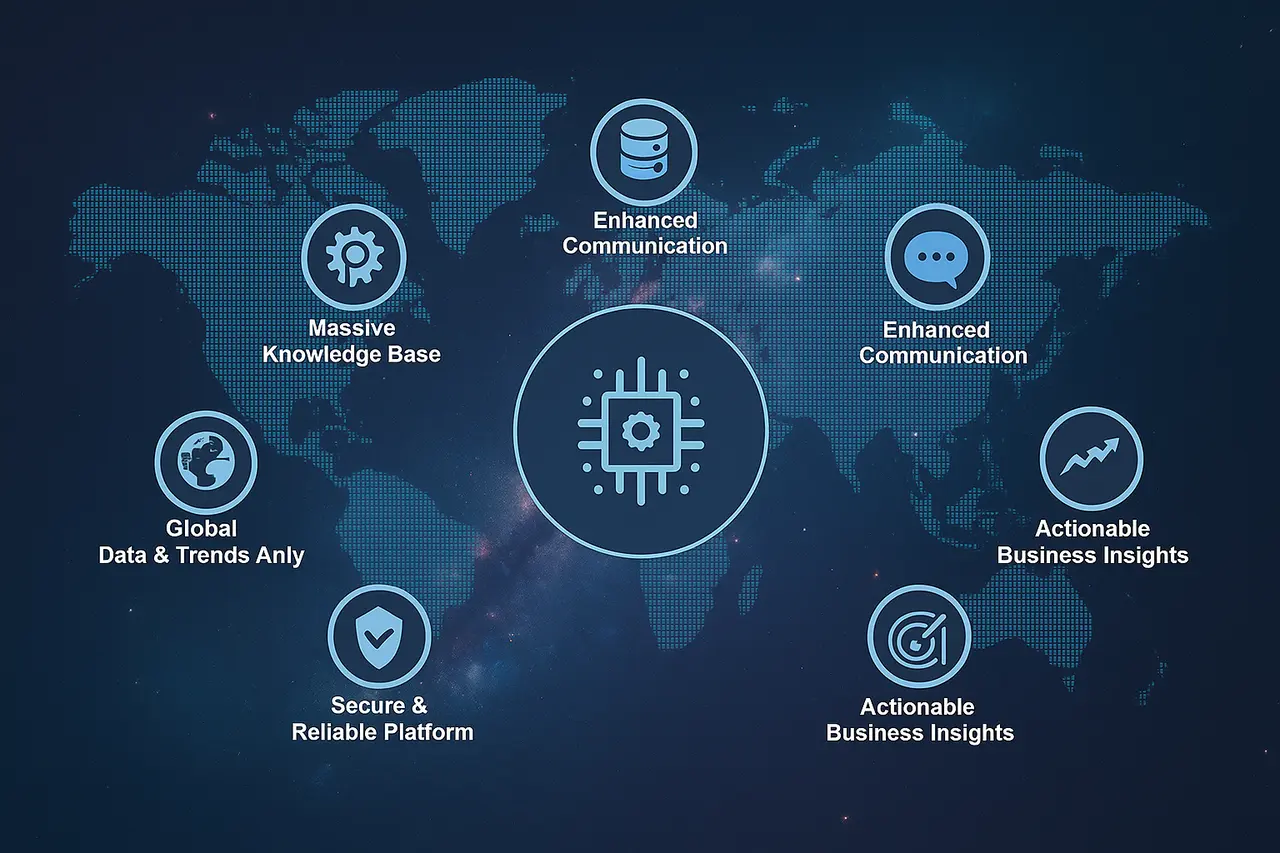
In the demo and TechCrunch review: when you open a web page, you also get a ChatGPT sidebar (or split-screen) that already knows the context of the page. No need to copy-paste the content into ChatGPT.
Example: Highlight a product page and ask ChatGPT to “Compare this with another product”. Or open a blog article and ask “Summarise this in three bullet-points”.
Agent Mode – letting ChatGPT act for you
The “agent mode” is one of the more advanced (and ambitious) features. For users on paid plans (Plus, Pro, Business) ChatGPT can navigate websites and perform actions, like adding items to your online cart, based on your instructions.
However, reviewers caution this is still early stage and may be unreliable for complex tasks.
Browser Memories & Personalisation
Unlike traditional browsers that treat each session separate, Atlas allows optional “browser memories” — the browser can remember the context of what you were doing, sites visited, tasks in progress, then pull that context back when needed.
Example: “Find all the job postings I was looking at last week and summarise industry trends for me.”
You are in control: you can turn it off, clear history, or browse in Incognito mode where no memories are saved.
Privacy and control
OpenAI emphasises that by default, browsing content is not used to train their AI models. The memory features are optional. You can also toggle whether ChatGPT can see a webpage’s content via the address-bar toggle in Atlas.
Still, the architecture raises questions about how much browsing data will flow, how seamless agent mode actions might be, and how this impacts user autonomy.
ChatGPT Atlas vs. Competitors
| Feature | ChatGPT Atlas | Google Chrome AI Features | Other AI Browsers (Perplexity, Dia) |
| AI Integration | Built-in ChatGPT sidebar | Gemini chatbot integration | Various AI assistants |
| Autonomous Task Mode | Yes, via Agent Mode | Limited | Emerging features |
| Personalization | Browser memory for users | Basic | Varies |
| Platform Availability | macOS (now), Windows & Mobile upcoming | Multi-platform | Varies |
Risks, Challenges & Trade-Offs
Will users switch from Chrome (or other browsers)?
Although Atlas is feature-rich, it faces a massive incumbency: Chrome (and other established browsers) already have billions of users, strong extension ecosystems and expected reliability. Even if Atlas is innovative, convincing users to switch will take time and effort.
Accuracy, hallucinations & trust
Whenever you delegate tasks or rely on summarisation, there is risk of error. For example, the agent may misinterpret instructions, or memory features might bring irrelevant context. Wired notes that early versions of agentic browsing are “slow and sometimes inaccurate.” Users will need to remain vigilant.
Impact on publishers & web traffic
If users rely on ChatGPT’s summarisation rather than clicking through to websites, publishers may see reduced traffic, which impacts ad revenue and content visibility. The AP News piece warns that this could “cut off the lifeblood of online publishers.”
This transformation may push content creators to rethink how they drive engagement.
Privacy concerns & data use
Even with transparency, giving an AI agent browser access to your history, tasks and preferences raises questions about personalisation, profiling, and control. Some analysts view the memory+agent model as potentially “taking personality away from you” by replacing your decision-making with the engine’s.
Users should weigh how much they trust the system before enabling full features.
What This Means for Users, Developers & Marketers

For everyday users
-
- Browsing just got more interactive. Instead of toggling between tabs and ChatGPT, everything lives in one window.
-
-
- If you do lots of research, shopping, travel planning or work tasks in the browser, Atlas could save time.
-
- But you’ll want to familiarise yourself with privacy settings, memory toggles and agent controls so you’re not handing over too much.
For developers & website owners
-
- Search-engine optimisation (SEO) may need to evolve: if fewer users click through to websites, ranking strategies may shift from pure organic links to integrations with AI-browser agents.
-
-
- Monitoring how much “browser memory” integration affects your user-flow will be critical.
For marketers & advertisers
-
- If Atlas becomes a major browsing platform, it could open up new ad inventory or reduce traffic in legacy channels (search + display) as users interact via chat/agent rather than clicking multiple links.
-
-
- Marketers may need to adapt to “conversational retrieval” where users ask a browser-agent directly rather than search-engine style queries.
-
- Brand visibility may shift: being surfaced by the agent, rather than ranking high in search results, could become a priority.
Final Thoughts – A New Era of Browsing?
In summary, ChatGPT Atlas marks a bold attempt by OpenAI to reshape the browser from a passive tool into an active assistant. It signals a shift from “search + links” to “ask + act”.
However, execution matters. The features — summarisation, agent mode, browser memory — are powerful in concept but will face real-world challenges in reliability, adoption, privacy and ecosystem support.
For users, the promise is reduced friction: less jumping between tabs, less copying and pasting, more seamless task completion. For the web ecosystem, it could upend how websites are visited, how content is consumed, and how ads are served.
Whether Atlas becomes the next standard browser remains to be seen—but one thing is clear: the browser war of the future is increasingly one of AI, not just speed or features.
